Saturday, September 03, 2011

Farewell, MBP

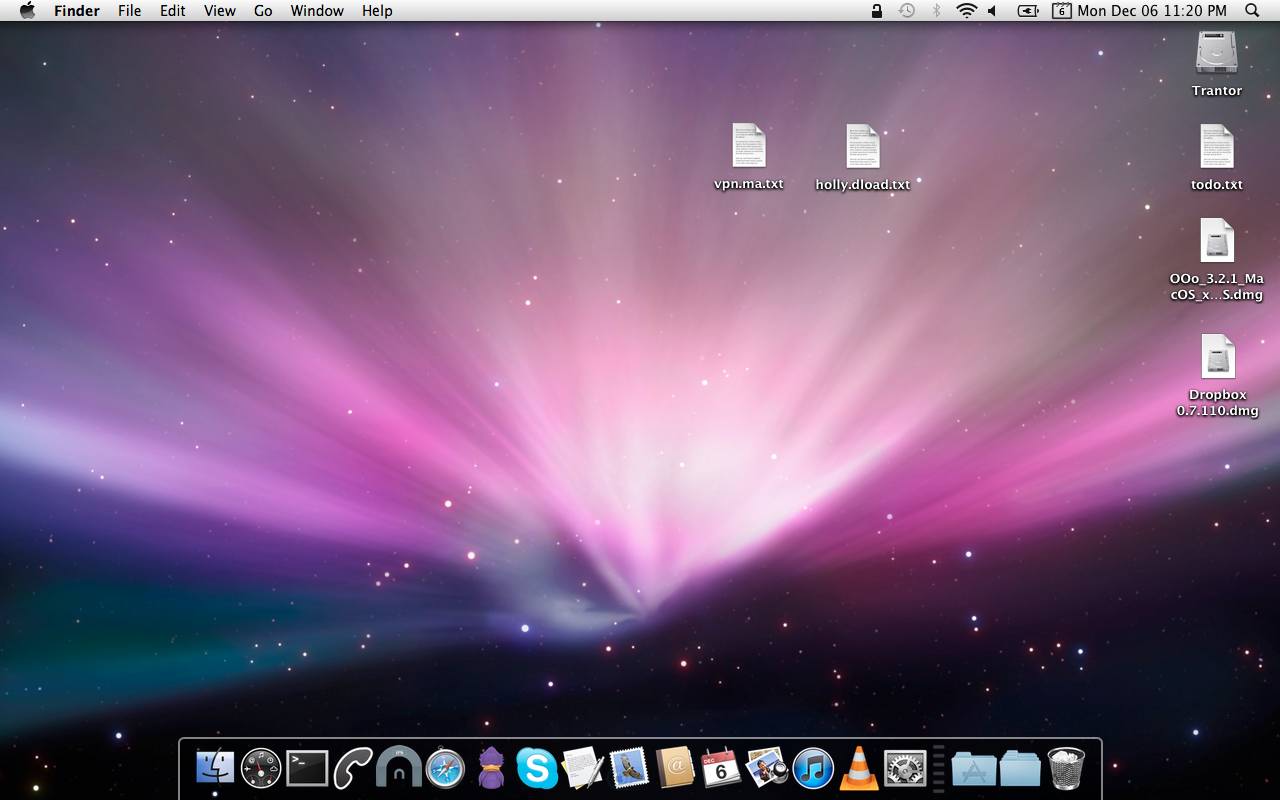
Sold my MBP this week, and delivered it today.
Sad to say, but it won't be missed, because of Snow Leopard most of all, hopefully the new owner will make good use out of it.
To me the future looks Linux, Linux and more Linux.

Labels: , , , ,

Monday, August 01, 2011

SU Mystery Theater (33)

Bazilion of updates for Trantor... Everything seems A Ok so far after the install, reboot & and some suspends.

Labels: , , ,

Tuesday, June 28, 2011

SU Mystery Theater (32)

Just installed these...
Things seem to go fine, even Mighty Mouse seems to be working A Ok after all the updates & a reboot.

Labels: , , ,

Monday, June 13, 2011

VirtualBox annoyances (yes, the Trisquel thing goes on...)

Yesterday tried to create a quick VirtualBox image on Sojourner in order to be able to -finally- get those icons and the wallpaper...

Found out, totally by accident, that there is a bug with VirtualBox and the EXT4 file system... This says a lot about how much virtualization I use... Actually, I use it quite a lot, but I mostly drag the same Windows 2000 Pro vdi image from box to box (and OS to OS) for over a two year now, talk about portability :)

In the end, had to create that VirtualBox image on Trantor, and then remove the icons, BTW, they weren't that spectacular, but I like the wallpaper, specially the blue one, a definitive keep.

A couple of screenshots from the process:


Labels: , , , , , , , ,

Saturday, June 04, 2011

SU Mystery Theater (31)


A couple of updates for this cold Saturday.
Only one installed, the other update still tries to find a way into my beloved MBP, but I don't see the need for it so far.
Strangely enough, this Security update didn't need a reboot after the installation, I'm pretty sure the update itself has something todo with that MAC Defender crap.

Labels: , , , , ,

Thursday, May 19, 2011

SU Mystery Theater (30)


A strange, or mysterious one indeed, specially since I don't have any of the programs this update is destined to installed on my lappie.
Did not install, at least yet.

Labels: , , , ,

Saturday, April 30, 2011

SU Mystery Theater (29)

No problems so far.

Labels: , , ,

Sunday, April 24, 2011

Transfer iTunes data from newer to older version

(Or Apple's obsession to never allow a rollback...)
I have two Apple boxes, a MBP Intel (running Snow Leopard and its ugly GUI), and an old & trusty PPC Quicksilver, running Tiger, that I love, I'm a fucking freak when it comes to iTunes Play Counts, so I was looking a way to keep the info synced between boxes.

I've done something similar in the past, and it is almost the same, but simpler.

Every copy operation has to be done with the iTunes (on both boxes) closed.
The path to all the iTunes info on both boxes has to be equal (username, paths, etc, etc)
First off, the most important thing is to make backups.
After that, the next most important thing is trasnfering the music files from the box with the newer iTunes to the other box, the best way of doing this is via Rsync.

After you done that, you are done with the iTunes on the newer box.
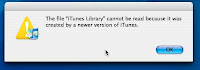
Now, if you try to open the old iTunes with the newer iTunes Library transfered you'll get a warning message: "iTunes Library cannot be read because it was created with a newer version on iTunes".

No problem there.

Close iTunes on the old box, and blank the file 'iTunes Library':

cat /dev/null > 'iTunes Library'
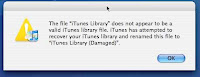
Then, open iTunes once agian, you'll see a pretty nice Aqua Progress Bar, on my Quicksilver (with a 10 MB "iTunes Music Library.xml" file) the process took about 10 minutes. When it finishes, it issues a warning, but I haven't found any problem so far.

You're not through yet, there are two more steps, that iTunes does automagically, the generation of album covers; and then the gapless playback.



On my Quicksilver (DP 800 MHz with 1.5 GB RAM) the whole thing took about 25 minutes to do everything.

Labels: , , , , , , ,

Thursday, April 21, 2011

SU Mystery Theater (27)

Installed these, no problems so far...

Labels: , , , ,

Tuesday, December 14, 2010

Customize mouse cursor icons on Snow Leopard

Or fuck off and die a slow death, I-Beam!

Well, took me a while, but I finally got rid (mostly) of the awful I-Beam cursor icon.
The idea of editing the CoreGraphics file went nowhere... So I installed Unsanity's Mighty Mouse.
Right now Mighty Mouse does not have an official Snow Leopard release, so it is necessary to use the one for Leopard.
There are some instructions floating around on the internet how to do so, like this one Changing your mouse cursor (OSX 10.6), but I found them to miss a part or not easy to follow; so here is my setup step by step.

Install APE, and then reboot.
Download Mighty Mouse, tested with "mightymouse-20b1.dmg", mount the dmg file, and then:


cp -R "/Volumes/Mighty Mouse/Mighty Mouse Installer.app/Contents/Resources/ui/Mighty Mouse.ape" \
~/Desktop/
cp -R "/Volumes/Mighty Mouse/Mighty Mouse Installer.app/Contents/Resources/ui/Mighty Mouse.prefPane" \
~/Desktop/
cd ~/Desktop/
cd "Mighty Mouse.ape/Contents"
cp Info.plist Info.plist.ORIG


Edit the Info.plist file with your favorite editor, it has to end like this:

<key>APELeopardCertified</key>
<true/>
<key>APESnowLeopardCertified</key>
<true/>

Then:

cp -R "Mighty Mouse.prefPane" ~/Library/PreferencePanes/
cp -R "Mighty Mouse.ape" ~/Library/Application Enhancers/

I had to create the directory
~/Library/Application Enhancers/
.

Logout and then log back in, and start using it.
Been using it for the last couple of weeks without any issues on 10.6.5, even tho I have a valid license from when I was using Mighty Mouse -the PPC version- on Tiger it seems like Unsanity has changed its registration process, so it doesn't work; nad incidentally, everything seems to point that Unsanity is out of business so I guess I'l have to keep using this unregistered version, which has nagging window now and then.

Related posts:

Small potatoes? Big cursors!
The fight against IBeam goes on
The fight against IBeam goes on (and on...)
The fight continues...

Labels: , , , , ,

Tuesday, December 07, 2010

The current Trantor desktop


I have to say that when it comes to wallpapers, I'm a meat and potatoes kinda guy... The default just do the thing for me.

Labels: , , ,

Friday, December 03, 2010

The new Trantor (2)

A little more on setting up my beloved MBP.
Couple of more installed programs:

IP calculator Widget
UNIX perms calculator Widget
Telephone

And setting up the Dock the way I want it, not the ridiculous default new one:
defaults write com.apple.dock no-glass -boolean YES; killall Dock

Labels: , , , ,

Saturday, November 27, 2010

The fight continues...

Yeap, I still have this damn thing going around my head, I can't get it out of it... I simply hate the I-Beam cursor, there is no other way around that...
A couple of more links I've stumble upon the matter

Changing your mouse cursor (OSX 10.6)
OS X Mouse Pointers as a Metaphor

Labels: , , , , , , ,

Monday, November 15, 2010

Small potatoes? Big cursors!

Being heavy using the MBP for the last days...
There are a couple of things, not really big ones, that are driving me totally fucking crazy, actually, it is more like only one...

I don' t effing understand why the fuck I can't set the mouse cursor the way I like it, the people at Apple should really make this somehow available, I can't believe that this advanced Operating System doesn't allow you to do something at stupid and trivial as setting up the mouse cursor the way you want it...

I was using Unsanity's Mighty Mouse, but it doesn't work on Snow Leopard (and the folks at Unsanity don't look the least eager to make the damn program to work on SL...).

I don't want anything strange regarding the damn cursors, matter of fact, I don't even want new cursors, I just want to freaking customize the ones the system has, I totally effing hate the one called "I-Beam"; at least, on Snow Leopard's Terminal I could change it the same way I did on previous versions of Os X, it is little, but it is something... Once again:

Fuck you (un-customizable) I-Beam!!

Labels: , , , , , ,

Sunday, November 14, 2010

The new Trantor

Last Friday switched to the MBP for good, been installing programs and testing stuff over the weekend, this is by far, the best laptop I had.
It is amazing the response it has, the snappiness is out of this world.

This is what I've installed so far...
Adium
iChm
Remote Desktop Connection
Skype
Tunnelblick
VirtualBox
VLC

Snow Leopard seems very good, but I prefer the Tiger (or for that matter, Panther) GUI.

Labels: , , , ,

Tuesday, November 09, 2010

New lappy!

Finally got it.
A Macbook Pro 13", Core 2 Duo, 2.53 GHz, 4 GB RAM, the little MF flies.
The picture is nothing but awful, but at the moment I'm testing OS after OS to see which one will be the primary one on the laptop.

Labels: , , , , , , , ,